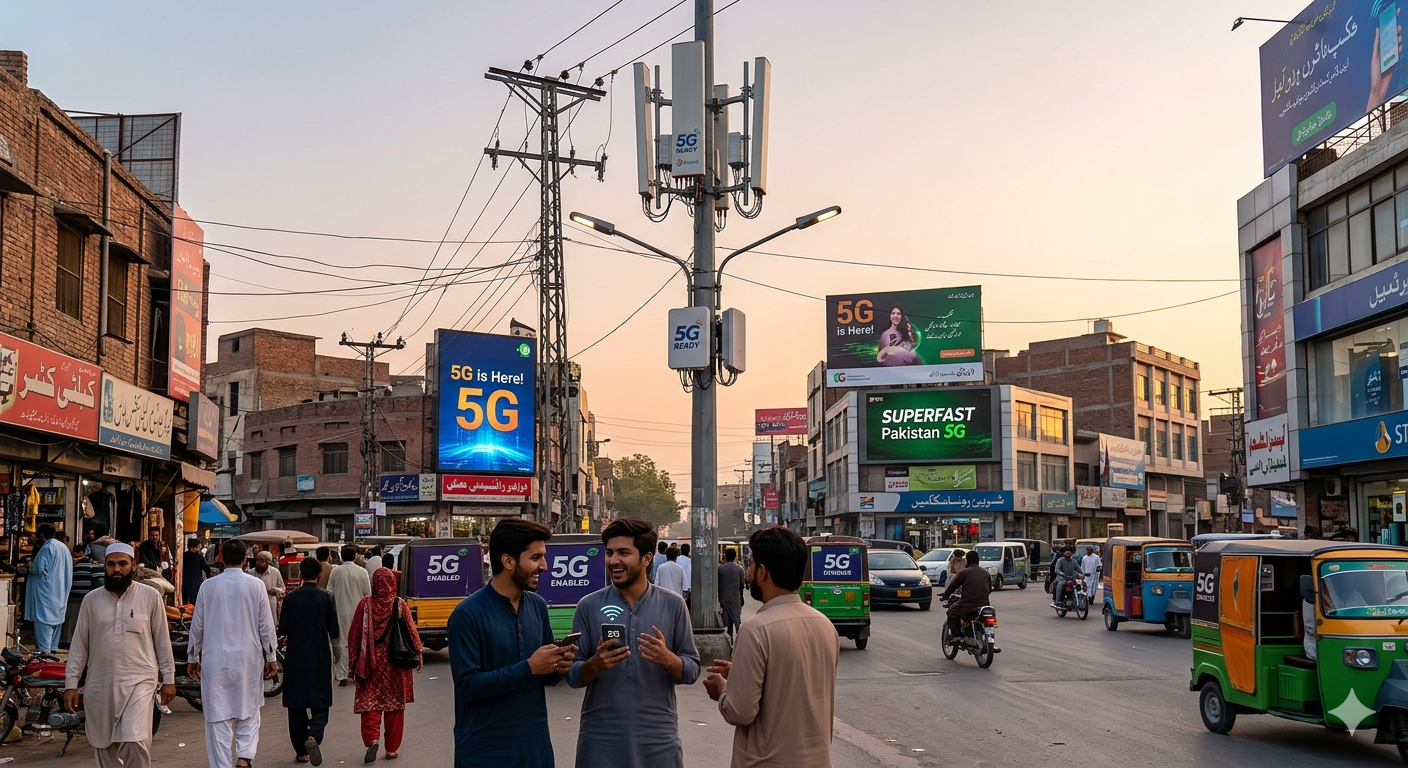
5G Services Launch in Pakistan – How to Check if Your Mobile Supports 5G
The future of connectivity is finally knocking at Pakistan’s door. With the buzz around 5G services launch in Pakistan, people are excited—and a little confused. What exactly is 5G? Is it available yet? And most importantly, does your phone even support it?
Let’s break it all down in a simple, no-nonsense way so you know exactly where you stand.
What Is 5G and Why Does It Matter?
5G is the fifth generation of mobile networks, designed to deliver ultra-fast internet speeds, lower latency, and better connectivity. Compared to 4G, it can be up to 10–100 times faster.
Key Benefits of 5G:
- Faster downloads & streaming (HD videos without buffering)
- Low latency (better for gaming and video calls)
- Smart connectivity (supports smart cities, IoT devices)
- Improved network reliability
In short, 5G isn’t just about speed—it’s about transforming how we use technology daily.
5G Services Launch in Pakistan: Current Status
Pakistan has been preparing for 5G for a few years now. The government and telecom authorities have conducted multiple tests and trials.
What’s happening right now?
- 5G trials have already been conducted successfully in major cities like Islamabad, Lahore, and Karachi.
- Spectrum auctions and regulatory processes are still ongoing.
- Commercial rollout is expected soon, but exact timelines may vary.
Important: Even if 5G is launched, coverage will initially be limited to major urban areas before expanding nationwide.
How to Check if Your Mobile Supports 5G
This is the question everyone’s asking—and luckily, it’s easy to find out.
1. Check Your Phone Specifications
The simplest way:
- Search your phone model on Google (e.g., “Samsung Galaxy A52 specs”)
- Look for Network: 5G support
If it says 5G, you’re good to go.
2. Check in Phone Settings
For Android:
- Go to Settings
- Tap Connections / Mobile Network
- Look for Network Mode
- If you see options like 5G/4G/3G/2G, your device supports 5G
For iPhone:
- Go to Settings
- Tap Cellular → Cellular Data Options
- Tap Voice & Data
- If you see 5G Auto or 5G On, your iPhone supports 5G
3. Use Manufacturer Websites
Visit your phone brand’s official website and search your model. It will clearly list whether 5G is supported.
4. Dial Codes (Limited Use)
Some phones allow you to check network capabilities using dial codes (like ##4636##), but this method is less reliable and varies by device.
Popular 5G-Supported Phones in Pakistan
If you’re planning to upgrade, here are some commonly available 5G phones:
Budget-Friendly Options:
- Samsung Galaxy A series (select models)
- Xiaomi Redmi Note series (5G variants)
- Realme Narzo 5G models
Mid-Range:
- OnePlus Nord series
- Samsung Galaxy S FE models
Premium:
- iPhone 12 and newer
- Samsung Galaxy S21 and above
What Else Do You Need for 5G?
Even if your phone supports 5G, you’ll still need:
A 5G SIM
Most modern SIM cards are already compatible, but older ones may need replacement.
5G Network Coverage
If 5G isn’t available in your area yet, your phone will fall back to 4G.
Compatible Data Plan
Telecom companies may introduce specific 5G packages.
Practical Tips Before You Upgrade
- Don’t rush: 5G rollout in Pakistan is still developing.
- Check coverage maps once services go live.
- Upgrade only if needed: A 5G phone is useful only if you’ll actually use 5G soon.
- Battery matters: 5G can consume more power, so choose phones with good battery life.
The Future of 5G in Pakistan
5G will gradually reshape industries like:
- Healthcare (remote surgeries)
- Education (virtual classrooms)
- Business (faster digital operations)
While the rollout may take time, the long-term impact will be massive.
Final Thoughts
The 5G services launch in Pakistan marks an exciting shift toward a faster, smarter digital future. But before jumping in, make sure your device is ready.
Checking whether your mobile supports 5G is simple—and knowing this early helps you make smarter decisions about upgrades and plans.
Bottom line:
If your phone supports 5G and you’re in a covered area, you’re future-ready. If not, there’s no need to worry just yet—5G will roll out gradually, and you’ll have plenty of time to upgrade.
If you want, tell me your phone model—I’ll check instantly whether it supports 5G