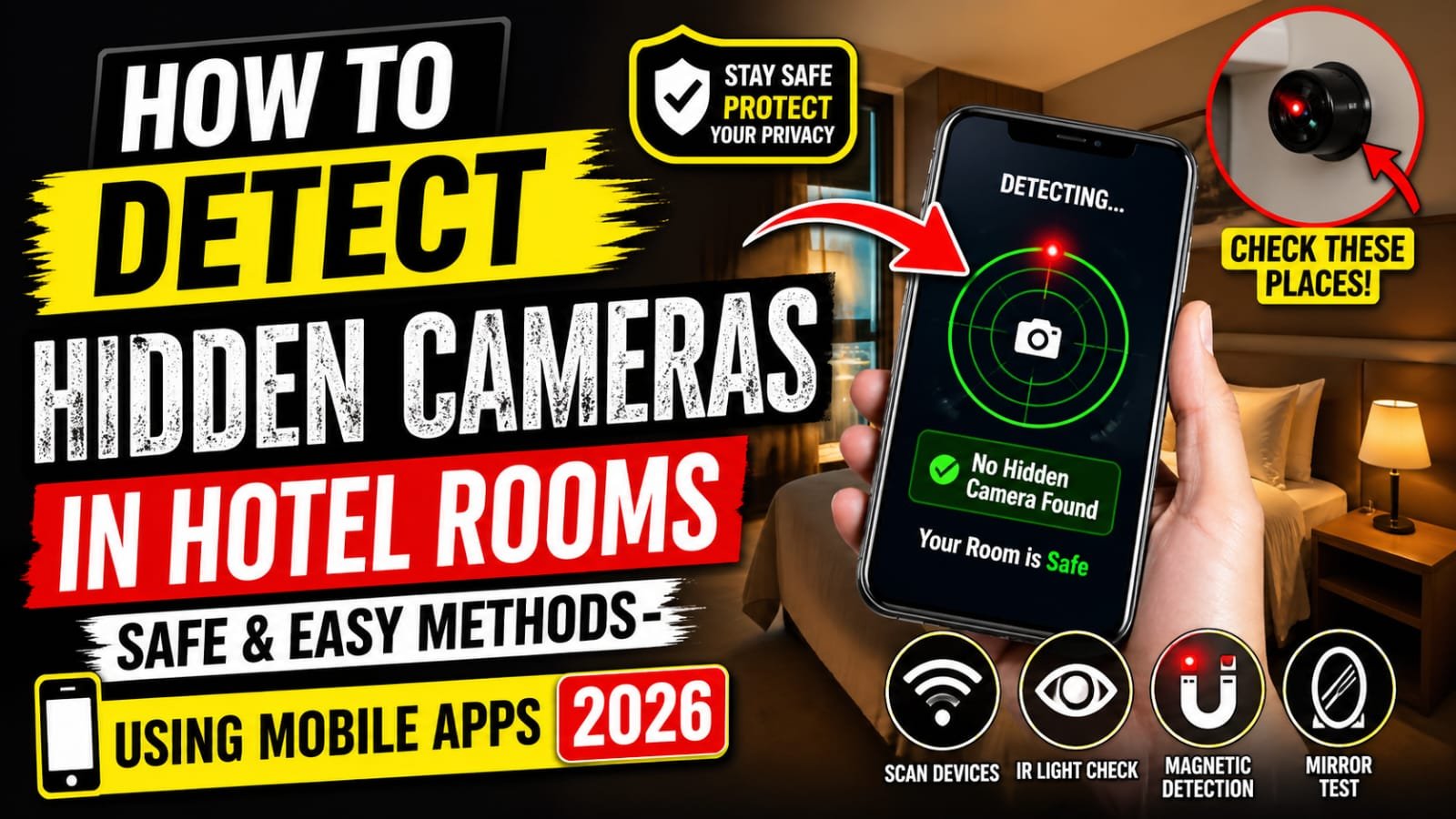
Staying in a hotel should feel relaxing not suspicious. But with the rise of tiny spy devices, many travelers worry about hidden cameras invading their privacy. The good news? You don’t need expensive equipment or technical skills to protect yourself. With a few smart techniques and the help of your smartphone, you can quickly check your room and stay safe.
In this guide, you’ll learn practical, beginner-friendly ways to detect hidden cameras in hotel rooms especially using mobile apps in 2026.
Why You Should Check for Hidden Cameras
Hidden cameras are rare, but they do exist. They’re often disguised in everyday objects like smoke detectors, clocks, chargers, or even air purifiers. Whether you’re traveling alone or with family, taking a few minutes to inspect your room can give you peace of mind.
Common places where cameras may be hidden:
- Smoke detectors
- Wall sockets or USB chargers
- Bathroom vents
- Mirrors or decorative items
- TV sets and alarm clocks
Easy Manual Methods to Detect Hidden Cameras
Before using apps, start with a simple physical inspection.
1. Turn Off the Lights and Look for Glowing LEDs
Most hidden cameras use infrared (IR) lights for night vision. Turn off the lights and scan the room for tiny blinking or glowing red/blue dots.
2. Check Mirrors Carefully
A quick trick is the finger test:
- Place your finger on the mirror.
- If there’s a gap between your finger and reflection → normal mirror.
- No gap → possibly a two-way mirror (needs further checking).
3. Inspect Unusual Objects
Look for items that seem out of place or oddly positioned, especially facing the bed or bathroom.
Using Mobile Apps to Detect Hidden Cameras
Your smartphone can be a powerful tool for detecting surveillance devices. Here are some of the most effective methods using apps:
1. Use Network Scanner Apps
Hidden cameras often connect to Wi-Fi networks. Apps like Fing help you detect all devices connected to the same network.
How to use it:
- Connect to the hotel Wi-Fi
- Open the app and scan the network
- Look for suspicious devices (e.g., unknown cameras or unusual names)
👉 Tip: Devices labeled IP Camera, Cam, or unfamiliar brands can be a red flag.
2. Detect Magnetic Fields (Lens Detection)
Camera lenses contain small metal components that can be detected using your phone’s sensors.
Apps like Glint Finder or similar tools use your phone’s magnetometer to identify hidden electronics.
Steps:
- Open the app
- Slowly move your phone near suspicious areas
- Watch for spikes or alerts indicating electronic devices
3. Use Your Phone Camera for Infrared Detection
Most smartphone cameras can pick up infrared light invisible to the human eye.
Try this simple trick:
- Turn off the lights
- Open your phone camera (front camera works best)
- Scan the room slowly
If you see blinking lights on the screen but not with your eyes, it could be an IR camera.
4. RF Detector Apps
Radio Frequency (RF) detector apps claim to detect signals from hidden devices. While not always 100% accurate, they can still help identify unusual activity.
A commonly used option is WiFi Analyzer, which helps you monitor unusual signal spikes.
Practical Safety Tips for Travelers
Even with the best tools, awareness is your strongest defense.
✔ Cover Suspicious Areas
If you feel unsure, cover vents, sockets, or objects with tape or cloth.
✔ Avoid Connecting to Unknown Networks
Use mobile data or a personal hotspot instead of public Wi-Fi when possible.
✔ Book Trusted Hotels
Choose reputable hotel chains with strong security policies and good reviews.
✔ Trust Your Instincts
If something feels off, request a room change or report it to hotel management immediately.
What to Do If You Find a Hidden Camera
If you discover a suspicious device:
- Do not touch it
- Take photos or video as evidence
- Inform hotel management immediately
- Contact local authorities if necessary
Your safety and privacy come first don’t ignore it.
Final Thoughts
Detecting hidden cameras in hotel rooms doesn’t require advanced technology or expertise. By combining simple manual checks with smart mobile apps, you can significantly reduce risks and travel with confidence.
In 2026, your smartphone is more than just a communication tool it’s your personal safety device. Stay alert, use the methods shared above, and enjoy your trips without worry.